

How to Design a New Space with Functionality in Mind for Optimal Efficiency and Comfort

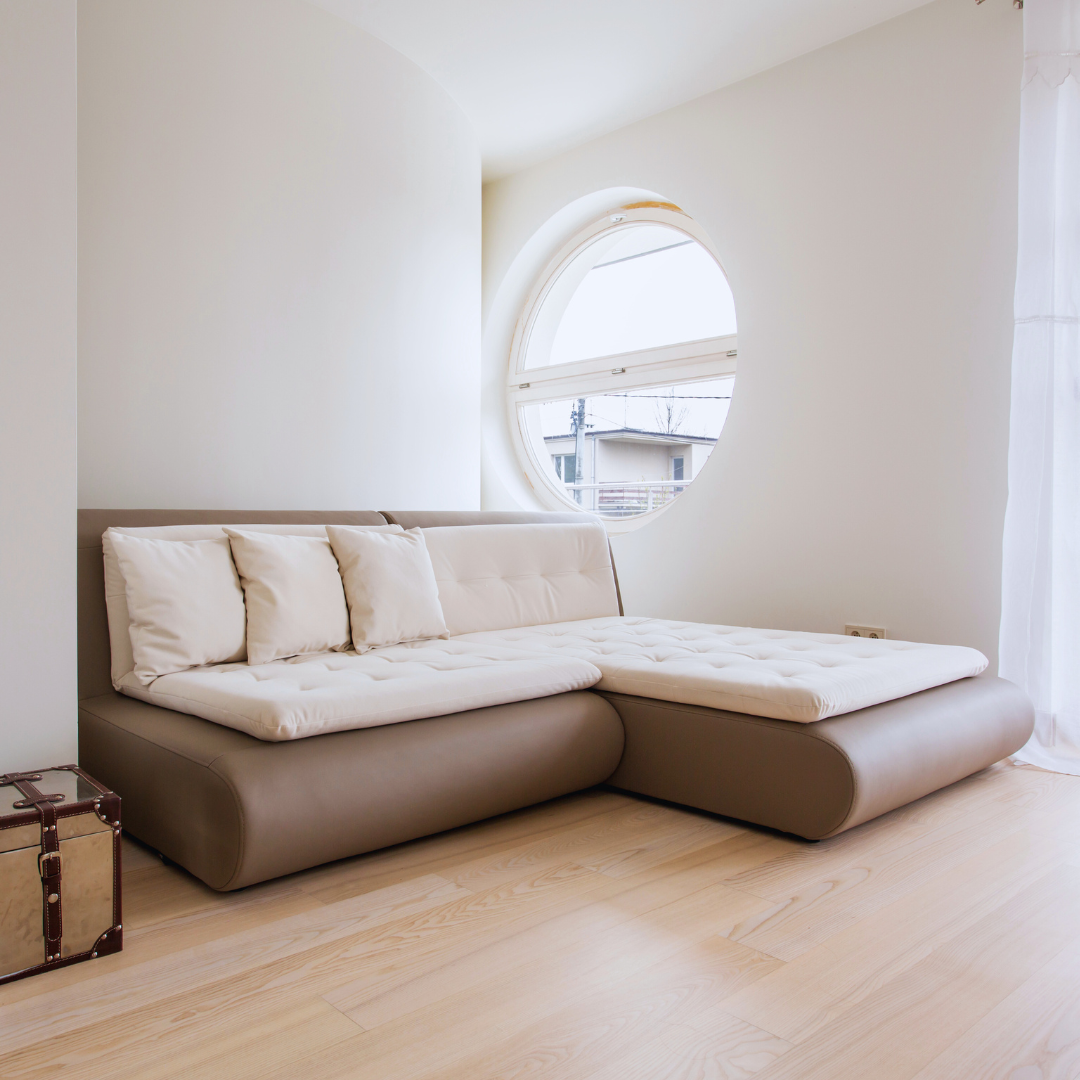
Designing a new space with functionality in mind requires a clear understanding of the purpose the space will serve and the needs of its users. The key is to prioritise practical layout, adequate storage, and ease of movement to ensure the space works effectively for daily use. This approach helps avoid common design mistakes that can lead to clutter or discomfort.
A functional design balances style with usability, considering factors like lighting, furniture placement, and accessibility. By focusing on these elements early, it becomes easier to create an environment that supports activities without sacrificing aesthetics. This method makes the space adaptable and efficient from the start.
Fundamentals of Designing for Functionality
Designing a space with functionality as a priority requires a clear understanding of its intended use, efficient layout planning, and the integration of practical elements. It involves weighing usability against visual appeal and ensuring the environment supports user needs with flexibility and accessibility.
Understanding the Purpose of the Space
The first step in functional design is identifying the primary activities that will take place in the space. This informs decisions on layout, furniture, and lighting. For example, a home office requires a quiet area with ample desk space and easy access to power outlets.
Knowing the user profile is also crucial—considering age, mobility, and habits, to help create a tailored environment. Functionality improves when the space aligns perfectly with daily routines and specific tasks.
Key Principles of Functional Design
Functional design is guided by several key principles: efficiency, accessibility, and adaptability. Efficiency ensures that every square metre serves a purpose, avoiding wasted space. Accessibility means the space accommodates all users, including those with physical limitations, by incorporating features like ramps or wide doorways.
Adaptability allows the space to adjust to changing needs, such as movable partitions or modular furniture. Effective space planning combines these principles to create a layout that flows smoothly and supports the intended functions without clutter or obstacles.
Balancing Aesthetics with Usability
A functional space is not solely about practicality; aesthetics play a significant role, too. Yet, aesthetic choices must complement and not hinder usability. Colours, materials, and lighting should enhance comfort and visibility while matching the style preferences of users.
Interior design can harmonise functionality with beauty by selecting finishes that are durable and easy to maintain yet visually pleasing. For example, a kitchen with sleek cabinetry and clear work zones offers a blend of style and efficiency, improving the overall experience in the space.
Strategic Space Planning and Layout
Effective space planning balances different needs within a room, ensuring practical use without overcrowding. This involves arranging zones clearly, facilitating smooth movement, and fully utilising every available area with suitable furniture and storage.
Zoning and Defining Areas
Zoning involves dividing a space into distinct functional areas based on activities. This separation allows each zone to serve a clear purpose, whether for work, relaxation, dining, or storage.
Furniture choice supports zoning: modular or multi-functional pieces help delineate spaces without permanent walls. For example, a sofa can create a lounge area that’s visually separate from a workspace.
Clear definition avoids clutter and confusion. Using rugs, lighting, or shelving helps mark zones while keeping the space open and flexible. Proper zoning also enhances focus by containing distractions.
Optimising Traffic Flow and Organisation
Flow is crucial to functionality. A well-planned layout prevents bottlenecks and allows easy access between zones. Pathways should be at least 80cm wide for comfort and safety.
Organising key elements logically reduces unnecessary walking. Placing frequently used furniture or storage near entry points saves time. For example, in kitchens, arrange work triangles between the sink, stove, and fridge.
Ergonomic furniture supports movement, improving comfort during tasks. Keep circulation routes free of fixed obstacles to maintain flexibility and accessibility.
Maximising Space Utilisation
Maximising space means choosing furniture and storage that serve more than one purpose. Multi-functional furniture, such as fold-away desks or beds with built-in drawers, increases usability within a limited footprint.
Using vertical space efficiently adds storage without crowding floors. Tall shelving or wall-mounted cupboards free up walking areas.
Modular furniture systems adapt as needs change, prolonging usability and saving costs. Prioritising ergonomic and compact designs ensures comfort and practicality without sacrificing room.
Enhancing Functionality Through Design Elements
Functionality is improved by integrating adaptable furniture, effective lighting, practical storage, and a well-balanced colour scheme. Each element contributes to a space that supports daily activities while maintaining comfort and visual harmony.
Choosing Furniture for Flexibility and Comfort
Furniture should prioritise ergonomics to reduce strain during extended use. Chairs with adjustable heights and lumbar support enhance comfort, especially in work or study areas.
Modular and multi-functional furniture increases versatility. For example, a sofa bed or extendable table adapts to different needs, making the space suitable for both relaxation and socialising.
Materials that are durable and easy to clean help maintain the furniture’s appearance over time. Consider pieces that can be rearranged easily to optimise space utilisation according to changing requirements.
Intelligent Lighting Choices
Lighting must balance natural and artificial sources to support various tasks and moods. Incorporating large windows or skylights maximises natural lighting, reducing eye strain and energy costs.
Task lighting, such as adjustable desk lamps, provides focused illumination for activities like reading or cooking. Accent lighting can highlight architectural features and create visual interest without overwhelming the space.
Layering different types of lighting ensures flexibility. Dimmer switches allow for adjusting brightness according to the time of day or specific needs, enhancing both function and atmosphere.
Incorporating Effective Storage Solutions
Storage should be integrated into the design to keep the space organised and uncluttered. Built-in shelves and under-bed drawers use otherwise wasted areas efficiently.
Modular storage units can be customised to fit current needs and expanded as necessary. Closed cabinets hide clutter, while open shelving keeps frequently used items accessible.
Consider storage that complements furniture, such as ottomans with internal compartments. Clear categorisation and labelling within storage help maintain order and save time when searching for items.
Selecting a Calming and Functional Colour Palette
Colour affects mood and productivity, so a careful palette enhances functionality. Soft, neutral tones like greys, beiges, and pastels create a calming environment that reduces visual stress.
Incorporating calming colours in walls, furniture, and décor encourages focus and relaxation. Contrasting colours can be limited to accent pieces to add interest without causing distraction.
Matte finishes reduce glare and make spaces feel more comfortable. The palette should also consider space size and lighting, as lighter colours can expand small rooms, while darker tones bring warmth to larger areas.
Adaptability and Integration for Modern Spaces
Creating a functional space today demands focus on flexible design elements that evolve with user needs and incorporate technology without distraction. Accessibility and personalisation ensure the space remains practical and relevant as lifestyles change.
Integrating Technology Seamlessly
Technology should enhance usability rather than dominate it. Concealed wiring, built-in charging stations, and smart lighting systems offer convenience while maintaining clean aesthetics.
Using universal smart home platforms ensures compatibility across devices, reducing future upgrade issues. For example, smart thermostats and voice-controlled assistants can serve as focal points but must blend with the room’s overall design to avoid clutter.
Furniture with built-in tech features, such as desks with wireless charging pads, improves function without compromising style. Planning for easy access to outlets and network ports is essential, especially in multi-use spaces.
Designing for Accessibility and Future Needs
Design must accommodate all users, including those with mobility challenges, from the start. Wider doorways, lever handles instead of knobs, and adjustable-height surfaces improve functionality.
Creating spaces that can adapt as users age avoids costly renovations later. Features like removable cabinetry or modular shelving allow changes without major construction.
Including clear pathways and good lighting supports safe movement. These design choices serve as foundational elements that increase a room’s usability over time.
Personalisation and Lifestyle Considerations
Design should reflect individual needs and habits to boost comfort and efficiency. Flexible configurations, such as movable partitions or multi-purpose furniture, provide personal control over space usage.
Incorporating storage solutions tailored to specific activities, like hobby equipment or work tools, prevents clutter and enhances workflow. The choice of materials and colours should respond to the occupant’s preferences yet remain neutral enough to accommodate future changes.
Balancing aesthetics with practicality ensures the space remains inviting and functional, supporting a variety of daily activities.